
YouTube.Mit Gesten steuern.
Videos mit Gesten steuern, ohne zur Maus zu greifen.
Für YouTube in Chrome am Computer.
Weniger greifen. Mehr genießen.
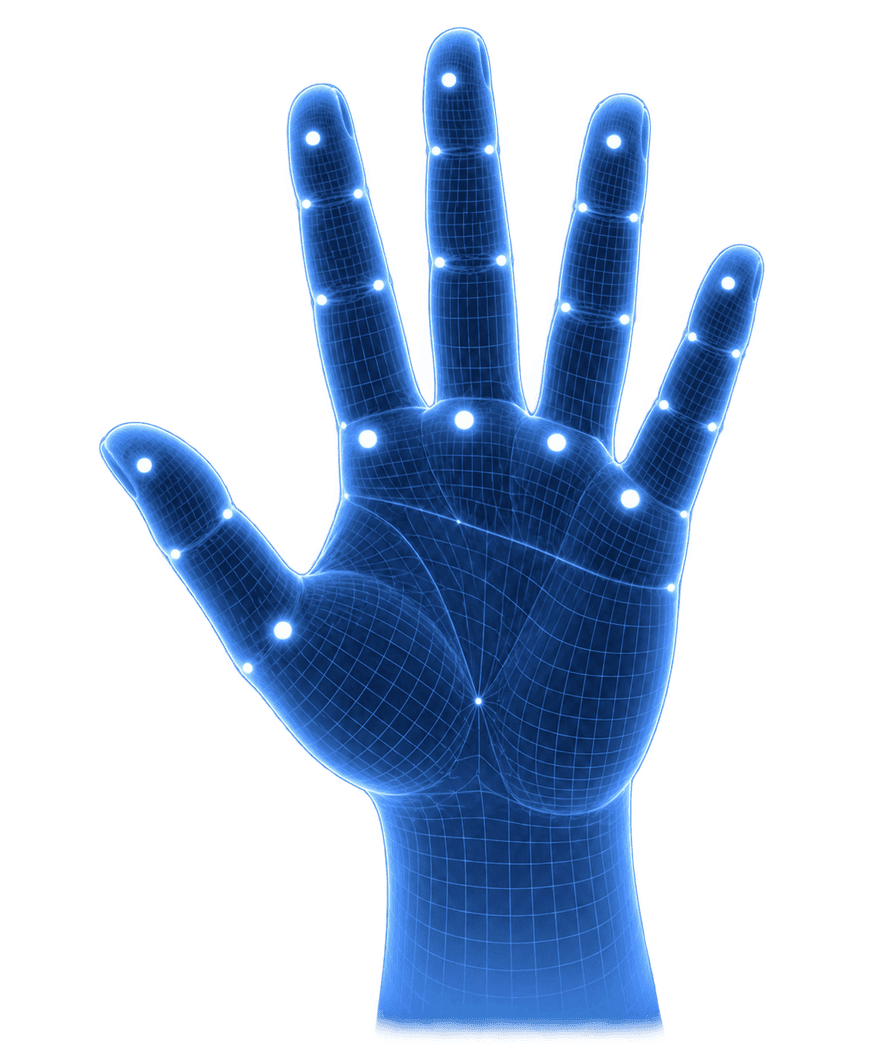

Eine Geste. Du hast die Kontrolle.
Geste wählen und ausprobieren.
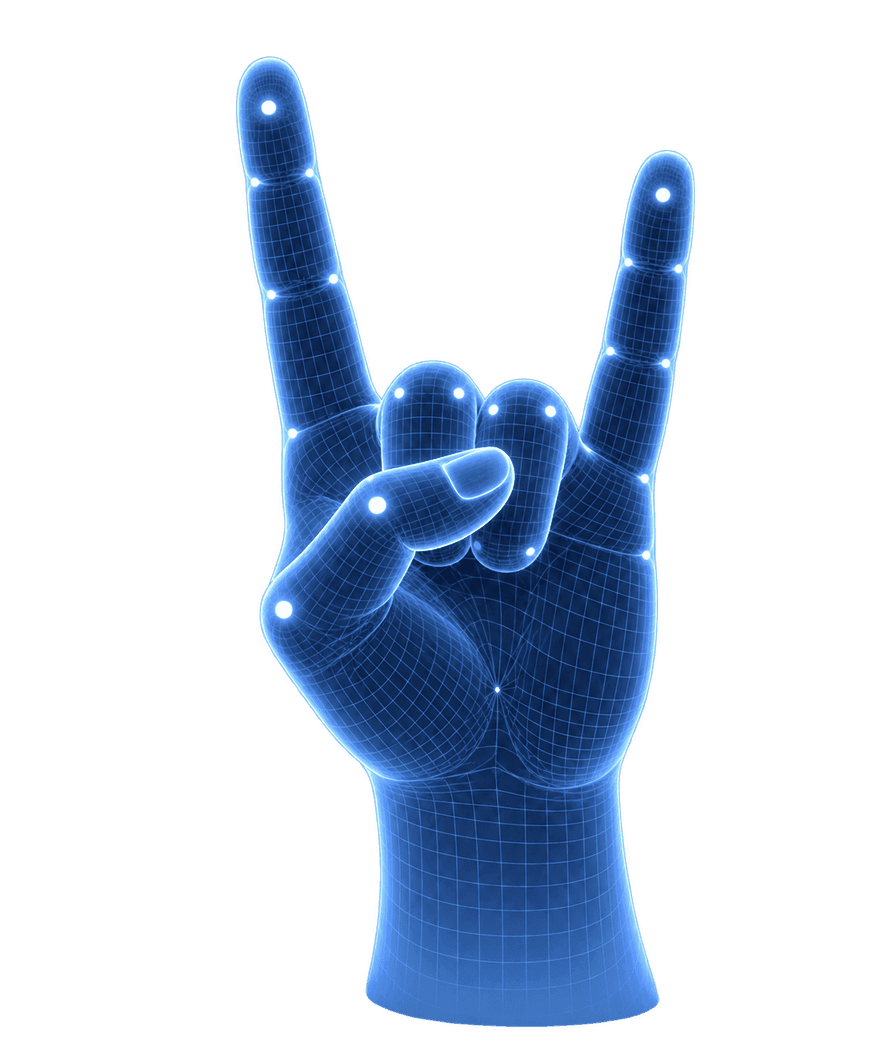
Abspielen
Zeige- und kleinen Finger strecken
Vorschau per Klick · Ohne Kamera
Sintel · © Blender Foundation · CC BY 3.0
Ein bisschen mehr Freiheit. Jeden Tag.

Pausing between sets without walking back to my laptop is the bit I like most. I can take a breather, then carry on.

チュートリアルを見ながら手を動かすので、マウスに持ち替えずに止められるのが便利。分からないところは少し戻して見ています。

I watch YouTube leaning back in my chair. Being able to pause from there is a small thing, but a really nice one.

Mostly use it for recipe videos. When I’m halfway through mixing something, I can pause before the next step runs away from me.

看教程经常跟不上,以前要停下手里的东西去拖进度条。现在往回跳一点再看,操作没那么打断思路了。

Had to get the hand positions right at first. The practice screen helped, and I mostly stick to play and pause now.

Useful for long lectures. I pause to finish a note, then start again without moving everything around to reach the trackpad.

Following a drawing tutorial is less fiddly this way. I can keep my pencil in hand when I need to stop the video.

스트레칭 영상을 보다가 잠깐 쉴 때 좋아요. 노트북까지 다가가지 않고 멈출 수 있어서, 다시 자세 잡고 이어 보기 편해요.

最常用的就是暂停。边看边记东西时抬一下手就行,不用每次都放下笔找鼠标,这一点挺顺手。

I speed through the talking parts of tutorials and slow down for the actual steps. Nice to do that without opening the video settings.

The mute gesture is handy when someone starts talking to me. A quick gesture, have the conversation, then turn the sound back on.
Einmal zahlen.
Entspannt steuern.
Deine Lieblingsvideos. Ein bisschen freier genießen.
- 21 Gesten zur Steuerung
- Lokale Erkennung. Kein Video-Upload.
- Gesten üben · 11 Sprachen
AirMe for Chrome
- Alle derzeit verfügbaren erweiterten Gesten
- Künftige Gesten-Updates inklusive
- Einmalkauf · Ohne Abo
Wo funktioniert AirMe?
Auf YouTube in Chrome am Computer. Die Steuerung bleibt innerhalb der Seite; echtes Vollbild erfordert erweiterte Steuerung und Browserberechtigungen.
Verlässt mein Kamerabild mein Gerät?
Nein. Kamerabilder und Handmerkmale bleiben auf deinem Gerät. Du kannst die Kamera jederzeit ausschalten.
Brauche ich eine spezielle Kamera?
Eine normale Webcam reicht. Hände sichtbar halten und für gutes Licht sorgen; die Erkennung hängt von deiner Umgebung ab.
Ist das ein Kauf auf Lebenszeit?
Ja. AirMe einmal kaufen und lebenslang nutzen. Ohne Abo, Verlängerungsgebühren oder zusätzliche Kosten.
Kann ich eine Rückerstattung beantragen?
Ja. Wenn die kostenpflichtige Version von AirMe nicht wie beschrieben funktioniert, kontaktiere uns innerhalb von 7 Tagen nach dem Kauf, um eine Rückerstattung zu beantragen.