
YouTubeควบคุมด้วยมือ
ควบคุมวิดีโอด้วยท่าทาง โดยไม่ต้องจับเมาส์
สำหรับ YouTube บน Chrome เวอร์ชันเดสก์ท็อป
เอื้อมมือน้อยลง ดูได้สบายขึ้น
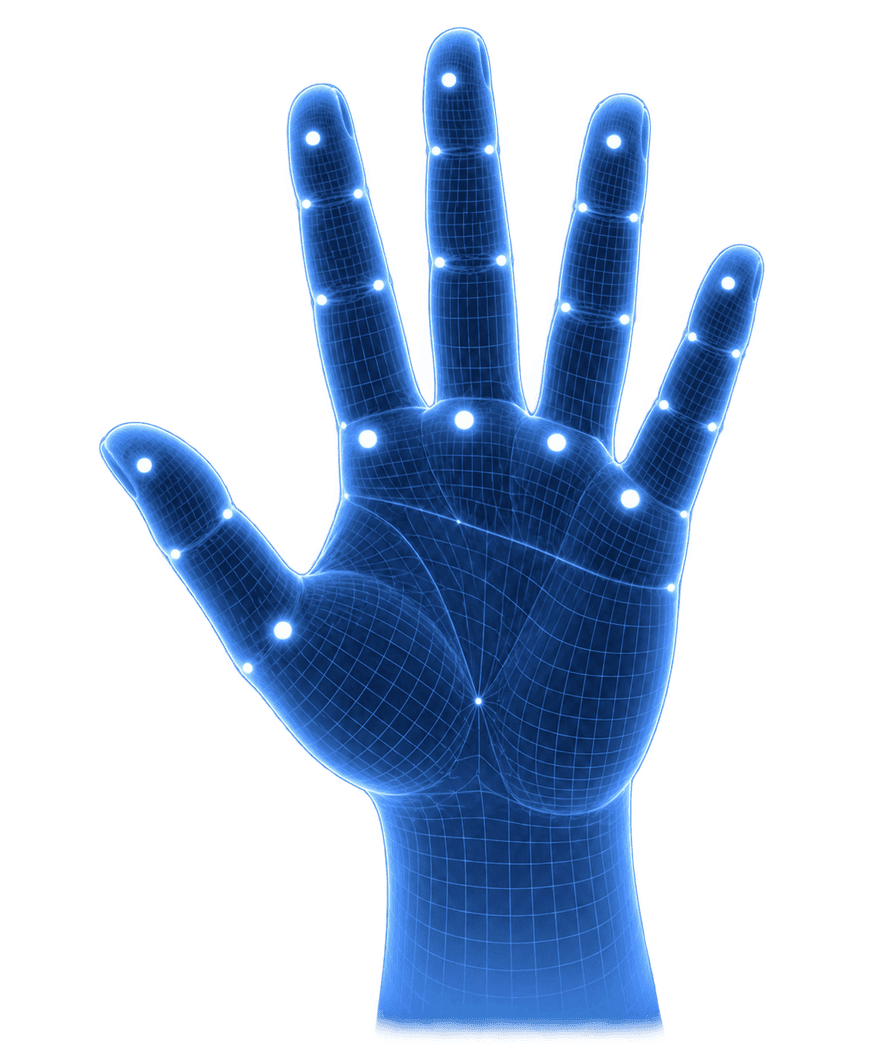

แค่ขยับมือ คุณก็ควบคุมได้
เลือกท่าทางแล้วลองดูผลลัพธ์
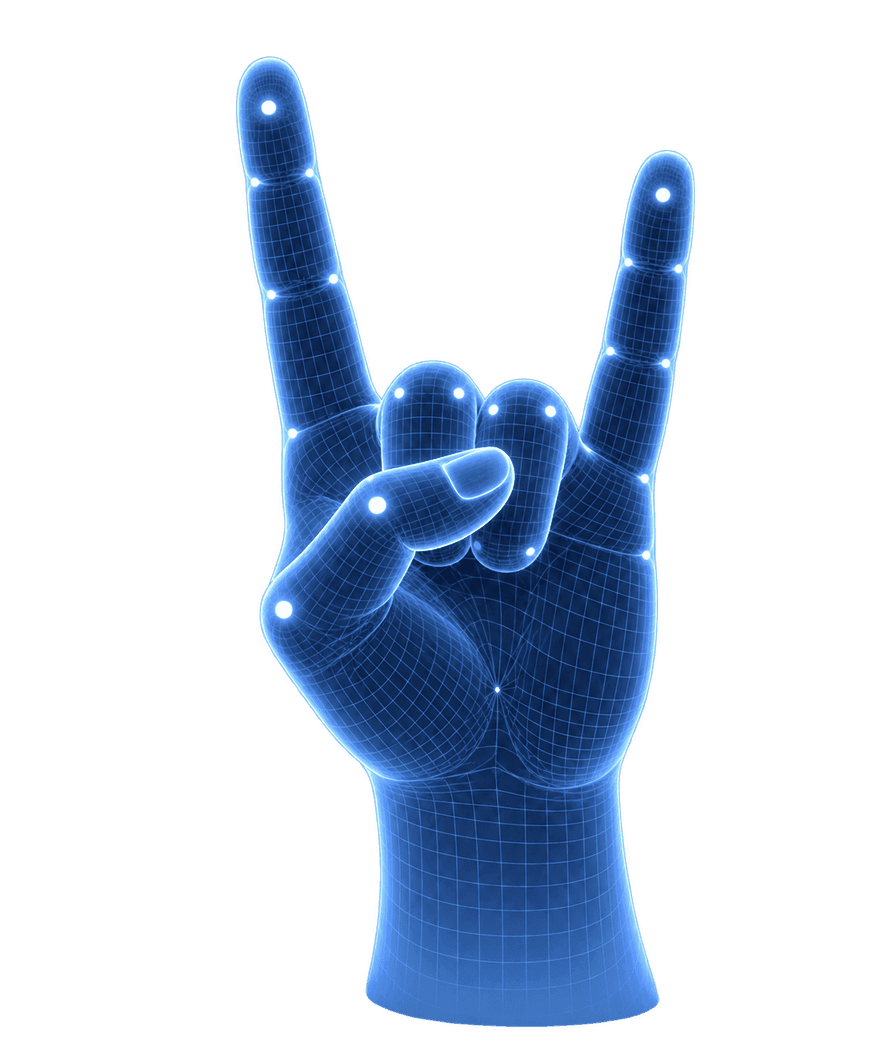
อิสระขึ้นอีกนิด ในทุกวัน

Pausing between sets without walking back to my laptop is the bit I like most. I can take a breather, then carry on.

チュートリアルを見ながら手を動かすので、マウスに持ち替えずに止められるのが便利。分からないところは少し戻して見ています。

I watch YouTube leaning back in my chair. Being able to pause from there is a small thing, but a really nice one.

Mostly use it for recipe videos. When I’m halfway through mixing something, I can pause before the next step runs away from me.

看教程经常跟不上,以前要停下手里的东西去拖进度条。现在往回跳一点再看,操作没那么打断思路了。

Had to get the hand positions right at first. The practice screen helped, and I mostly stick to play and pause now.

Useful for long lectures. I pause to finish a note, then start again without moving everything around to reach the trackpad.

Following a drawing tutorial is less fiddly this way. I can keep my pencil in hand when I need to stop the video.

스트레칭 영상을 보다가 잠깐 쉴 때 좋아요. 노트북까지 다가가지 않고 멈출 수 있어서, 다시 자세 잡고 이어 보기 편해요.

最常用的就是暂停。边看边记东西时抬一下手就行,不用每次都放下笔找鼠标,这一点挺顺手。

I speed through the talking parts of tutorials and slow down for the actual steps. Nice to do that without opening the video settings.

The mute gesture is handy when someone starts talking to me. A quick gesture, have the conversation, then turn the sound back on.
จ่ายครั้งเดียว
ควบคุมได้อย่างอิสระ
ดูวิดีโอที่ชอบได้อย่างสบายขึ้น
- ควบคุมด้วยท่าทาง 21 แบบ
- ประมวลผลในอุปกรณ์ ไม่อัปโหลดวิดีโอ
- ฝึกท่าทาง · 11 ภาษา
AirMe for Chrome
- ท่าทางขั้นสูงทั้งหมดที่มีในปัจจุบัน
- รวมการอัปเดตท่าทางในอนาคต
- ซื้อครั้งเดียว · ไม่ต้องสมัครสมาชิก
AirMe ใช้ได้ที่ไหนบ้าง?
ใช้กับ YouTube บน Chrome เดสก์ท็อป การควบคุมอยู่ภายในหน้าเว็บ ส่วนเต็มหน้าจอต้องเปิดการควบคุมขั้นสูงและอนุญาตเบราว์เซอร์
วิดีโอจากกล้องจะถูกส่งออกจากอุปกรณ์ไหม?
ไม่ ภาพจากกล้องและจุดสำคัญของมือจะอยู่ในอุปกรณ์ คุณปิดกล้องได้ทุกเมื่อ
ต้องใช้กล้องพิเศษไหม?
เว็บแคมทั่วไปก็ใช้ได้ ให้มืออยู่ในภาพและมีแสงเพียงพอ ผลการจดจำขึ้นอยู่กับอุปกรณ์และสภาพแวดล้อม
ซื้อครั้งเดียวใช้ได้ตลอดไปไหม?
ใช่ ซื้อ AirMe ครั้งเดียวใช้ได้ตลอดไป ไม่มีค่าสมาชิก ค่าต่ออายุ หรือค่าใช้จ่ายเพิ่มเติม
ขอคืนเงินได้ไหม?
ได้ หาก AirMe เวอร์ชันชำระเงินไม่ทำงานตามที่ระบุไว้ โปรดติดต่อเราภายใน 7 วันหลังจากซื้อเพื่อขอคืนเงิน