
少一点伸手, 多一点自在。
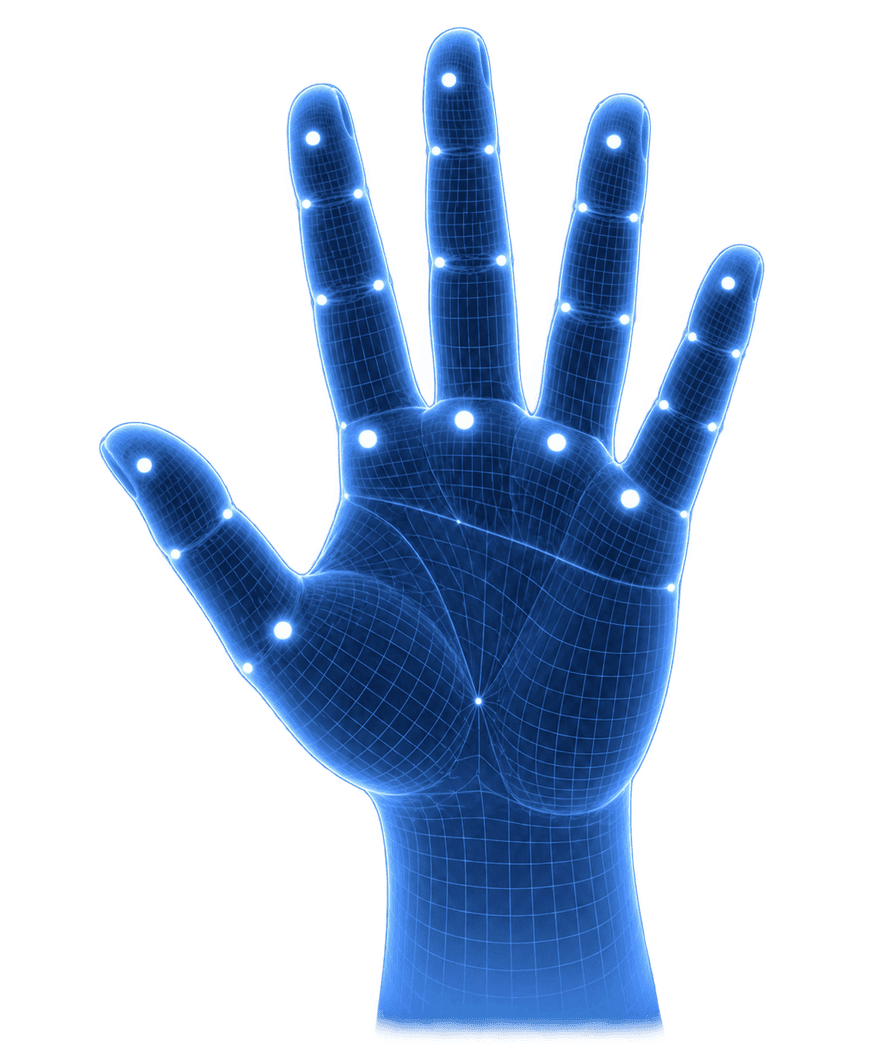

抬手, 就会用。
选个手势,看看效果。
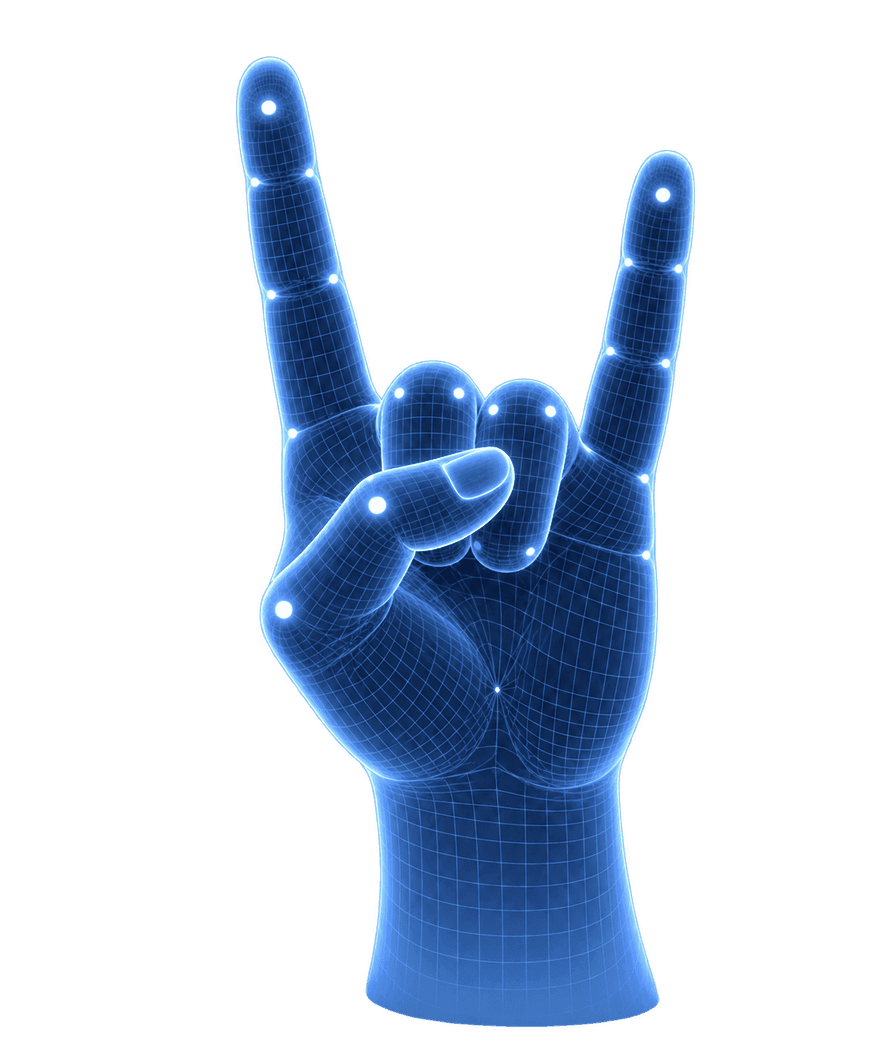
自在一点, 每一个日常。

Pausing between sets without walking back to my laptop is the bit I like most. I can take a breather, then carry on.

チュートリアルを見ながら手を動かすので、マウスに持ち替えずに止められるのが便利。分からないところは少し戻して見ています。

I watch YouTube leaning back in my chair. Being able to pause from there is a small thing, but a really nice one.

Mostly use it for recipe videos. When I’m halfway through mixing something, I can pause before the next step runs away from me.

看教程经常跟不上,以前要停下手里的东西去拖进度条。现在往回跳一点再看,操作没那么打断思路了。

Had to get the hand positions right at first. The practice screen helped, and I mostly stick to play and pause now.

Useful for long lectures. I pause to finish a note, then start again without moving everything around to reach the trackpad.

Following a drawing tutorial is less fiddly this way. I can keep my pencil in hand when I need to stop the video.

스트레칭 영상을 보다가 잠깐 쉴 때 좋아요. 노트북까지 다가가지 않고 멈출 수 있어서, 다시 자세 잡고 이어 보기 편해요.

最常用的就是暂停。边看边记东西时抬一下手就行,不用每次都放下笔找鼠标,这一点挺顺手。

I speed through the talking parts of tutorials and slow down for the actual steps. Nice to do that without opening the video settings.

The mute gesture is handy when someone starts talking to me. A quick gesture, have the conversation, then turn the sound back on.
一次付费,
自在掌控。
喜欢的视频,换一种更自在的观看方式。
- 21 项手势控制
- 本机识别,不上传画面
- 内置练习 · 11 种语言
AirMe for Chrome
- 解锁当前所有高级手势
- 包含后续手势更新
- 一次购买,无需订阅
AirMe 可以在哪里使用?
适用于桌面 Chrome 中的 YouTube,控制仅在网页内生效。真正全屏需要增强控制和浏览器权限。
摄像头画面会离开我的设备吗?
不会。画面和手部关键点留在本机,你可以随时关闭摄像头。
需要专门的摄像头吗?
普通摄像头即可。请让双手出现在镜头内,并保持光线充足;识别效果因设备和环境而异。
购买后可以终身使用吗?
是的。AirMe 一次购买,终身使用。无需订阅或续费,不再收取其他费用。
可以申请退款吗?
可以。如果 AirMe 付费版未能按产品说明正常运行,请在购买后 7 天内联系我们申请退款。